- GitHub Links
Moving from JSON to Forms
If you have already created your Profile with JSON, and now have started using Forms to make more changes, you need to remove your JSON file.
NOTE: Make sure you have made at least 1 update to your Profile using Forms before you remove your JSON file.
- Log into your GitHub Account
- Go to your Repositories
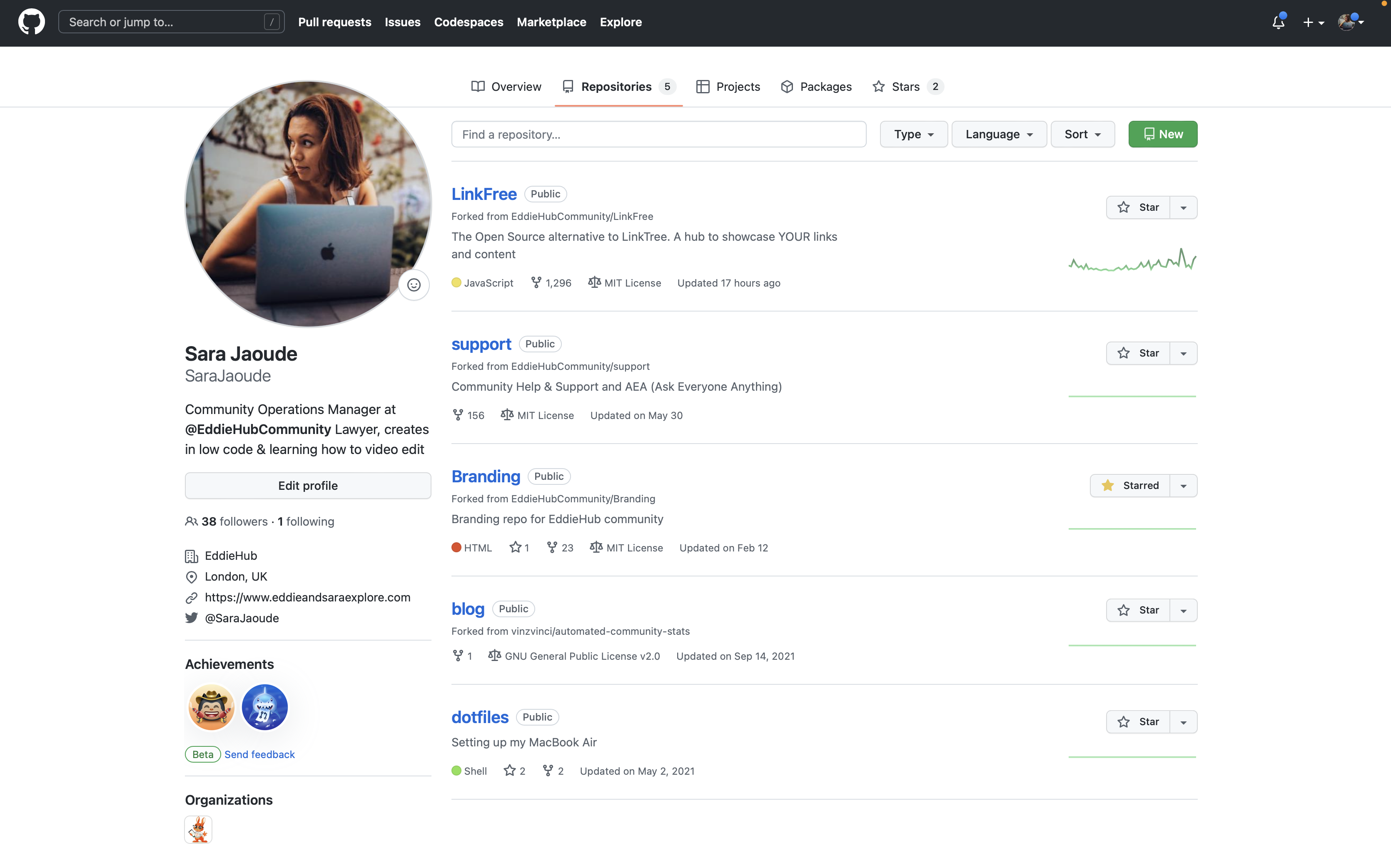
- Then click on the
BioDroprepo (fork)

- Now we need to make sure your fork is up to date. You can do this by clicking on
Sync forkand clickUpdate branch(if available)

- Click
Go to fileand type your GitHub username - Click on your
jsonfile

- Click the
deletebutton icon at the top right
- Scroll to the bottom and commit new file by adding the commit message that starts
data:followed by your GitHub username (for exampledata: SaraJaoude)
You can skip optional extended message
- Click
create new branchand you can use the default name provided - Then click
Propose changes

- Click
compare across forksand select the destination on the left and the source on the right - Click
Create pull request - You will see a title and description for the Pull Request, fill these in and click
Create pull request
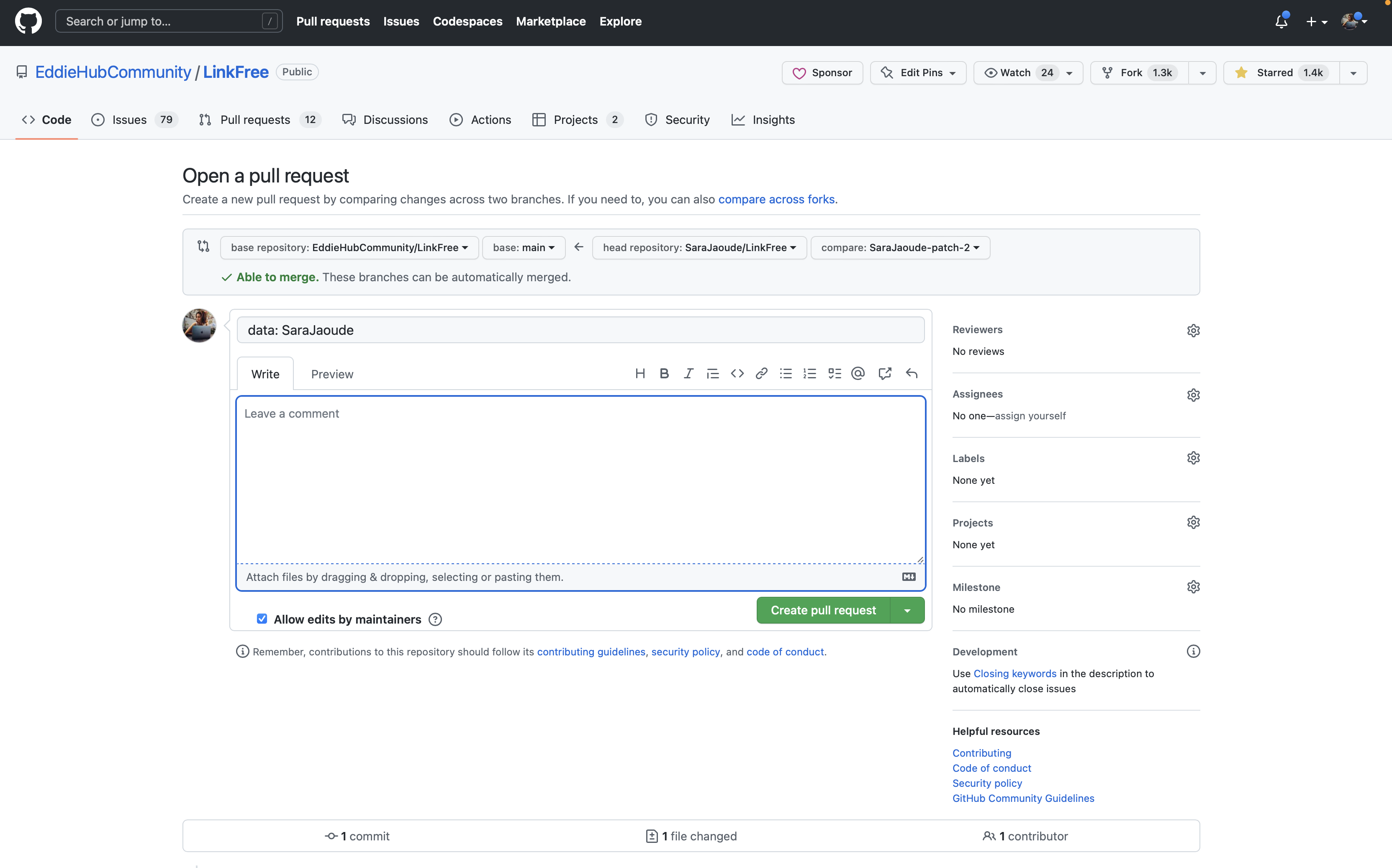
- Now you need to wait to have your Pull Request (changes) reviewed

An approving review from one of BioDrop's maintainers will show a green check mark next to their id.

- You will receive a GitHub notification when you have a comment, review or your Pull Request has been merged